What is Medeo Seedance 2.0?
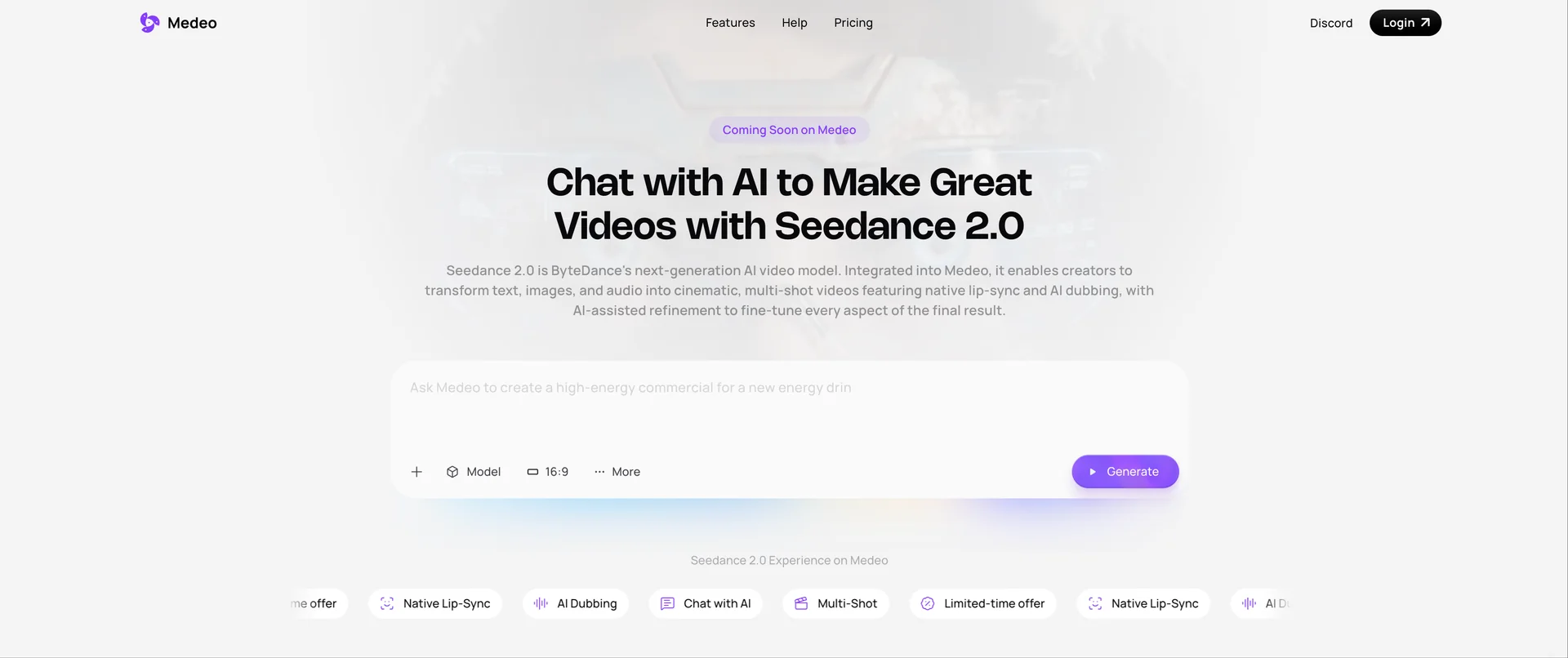
Medeo Seedance 2.0 is an AI video generation tool that enables users to create complete videos through a chat-based workflow using multimodal inputs, including text, images, audio, and short video clips. It focuses on multi-shot continuity, visual consistency, and native audio synchronization, making it possible to produce narrative or cinematic-style videos without traditional editing or animation workflows.
Key features of Medeo Seedance 2.0
Multimodal input support (text, image, audio, video)
Multi-shot video generation with scene consistency
Chat-based video creation and iterative refinement
Native audio generation and lip-sync alignment
How to use Medeo Seedance 2.0
Step 1: Open Medeo Seedance 2.0
Access the Medeo Seedance 2.0 page to enter the AI video creation interface.
Step 2: Select the Seedance 2.0 Model