Free AI Image Enhancer Tools People Actually Use in 2026

Not long ago, enhancing a blurry or low-quality photo required expensive software and professional editing skills. In 2026, that reality has completely changed.
Thanks to AI image enhancer technology, anyone can now turn low-resolution images into sharp, high-quality visuals in seconds. Whether you’re restoring an old photo, upgrading product images, or making social media content look more professional, free online AI image enhancers are becoming everyday tools.
Below are the AI image enhancer tools people actually use in 2026 — fast, free, and powered by next-generation AI.
Why AI Image Enhancers Feel So Different in 2026
Unlike traditional photo editors, modern AI image enhancers don’t rely on manual adjustments. They analyze your image at a semantic level.
AI now understands:
- Faces vs backgrounds
- Lighting and depth
- Noise vs real details
- Textures, skin tones, and edges
This is why one-click enhancement in 2026 feels almost magical — the AI decides what to fix and how much to fix it.
The Best Free AI Image Enhancer Tools People Trust in 2026
Rather than listing dozens of tools, here are the ones that consistently deliver real results.
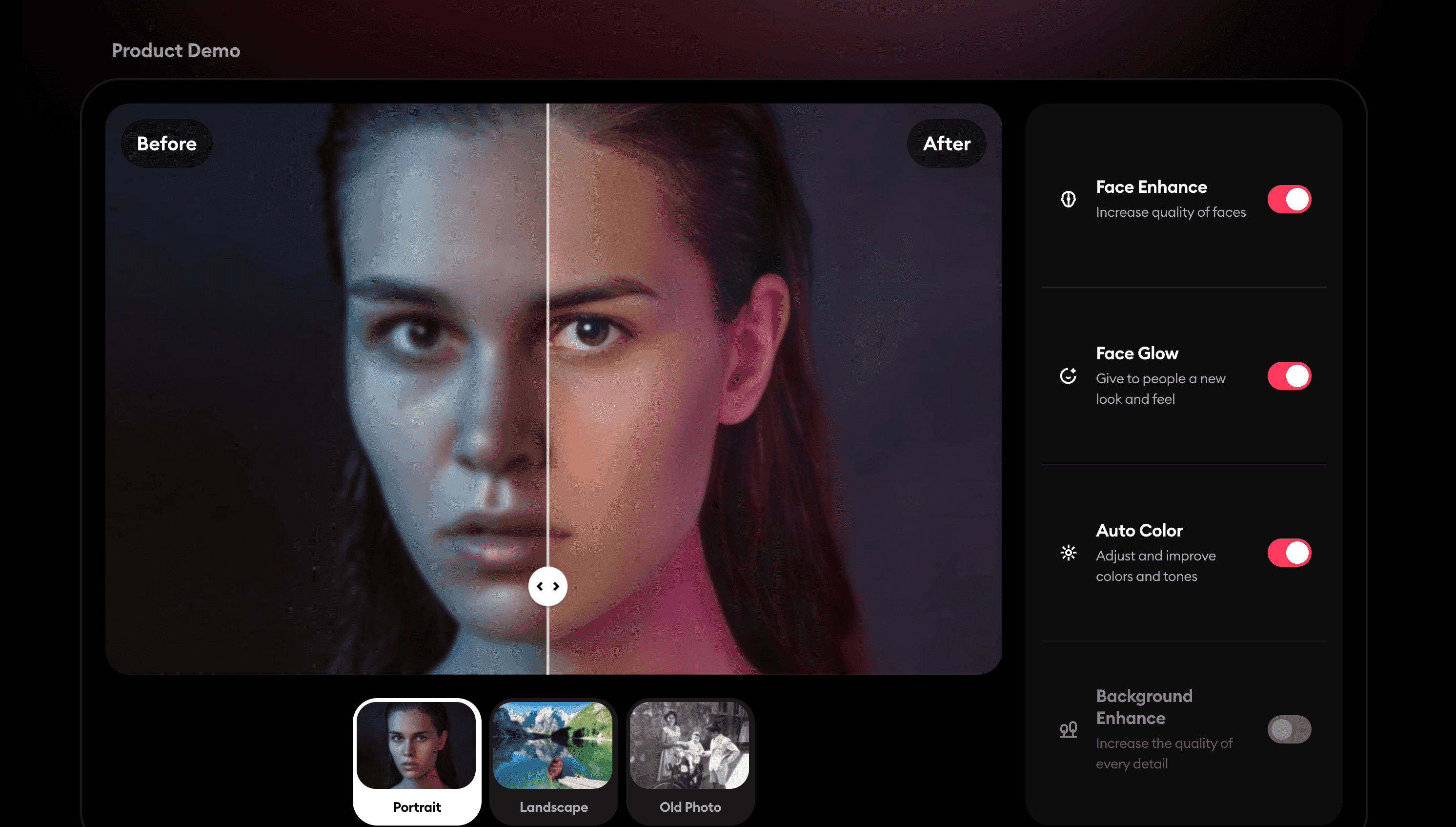
Remini – When Faces Matter Most
Remini is widely known for one thing: face restoration.
If your image includes people — portraits, old family photos, profile pictures — Remini’s deep learning models focus on facial structure, eyes, and skin details.
Why people choose Remini:
- Brings blurry faces back to life
- Restores old and damaged photos
- Automatically sharpens facial details
- Extremely popular on social platforms
Best for: portraits, selfies, historical photos
Vance AI – The Most Complete AI Image Enhancement Suite
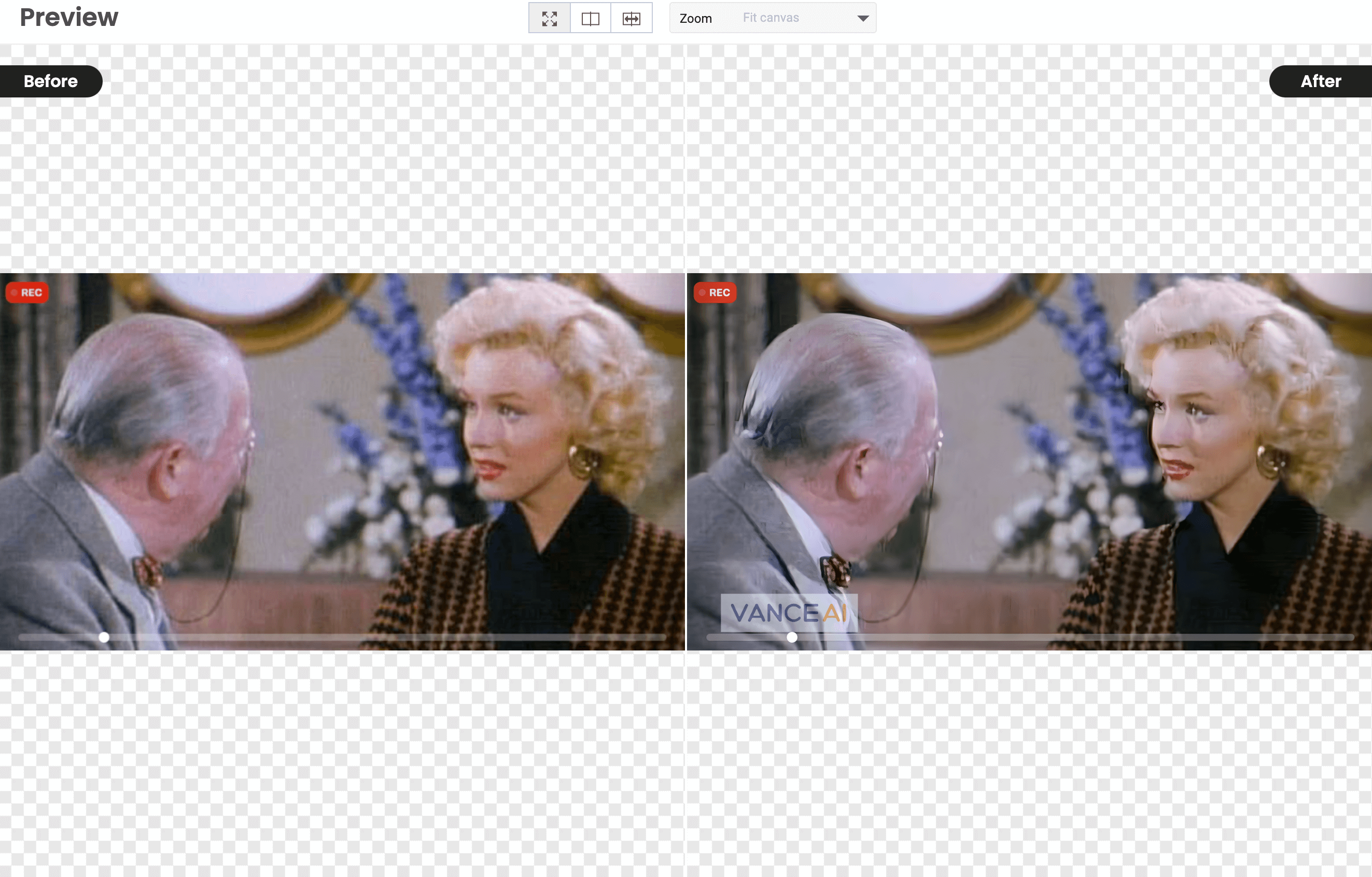
Vance AI feels less like a single tool and more like an AI-powered image lab.
Instead of applying one generic enhancement, it lets the AI choose the right model — deblur, upscale, denoise, or color correction — depending on your image.
Why it stands out in 2026:
- Smart AI upscaling without over-sharpening
- One-click blur removal
- Automatic lighting and color balance
- Useful for business and eCommerce images
Best for: product photos, website visuals, marketing images
YouCam Enhance – Fast, Clean, and Beginner-Friendly
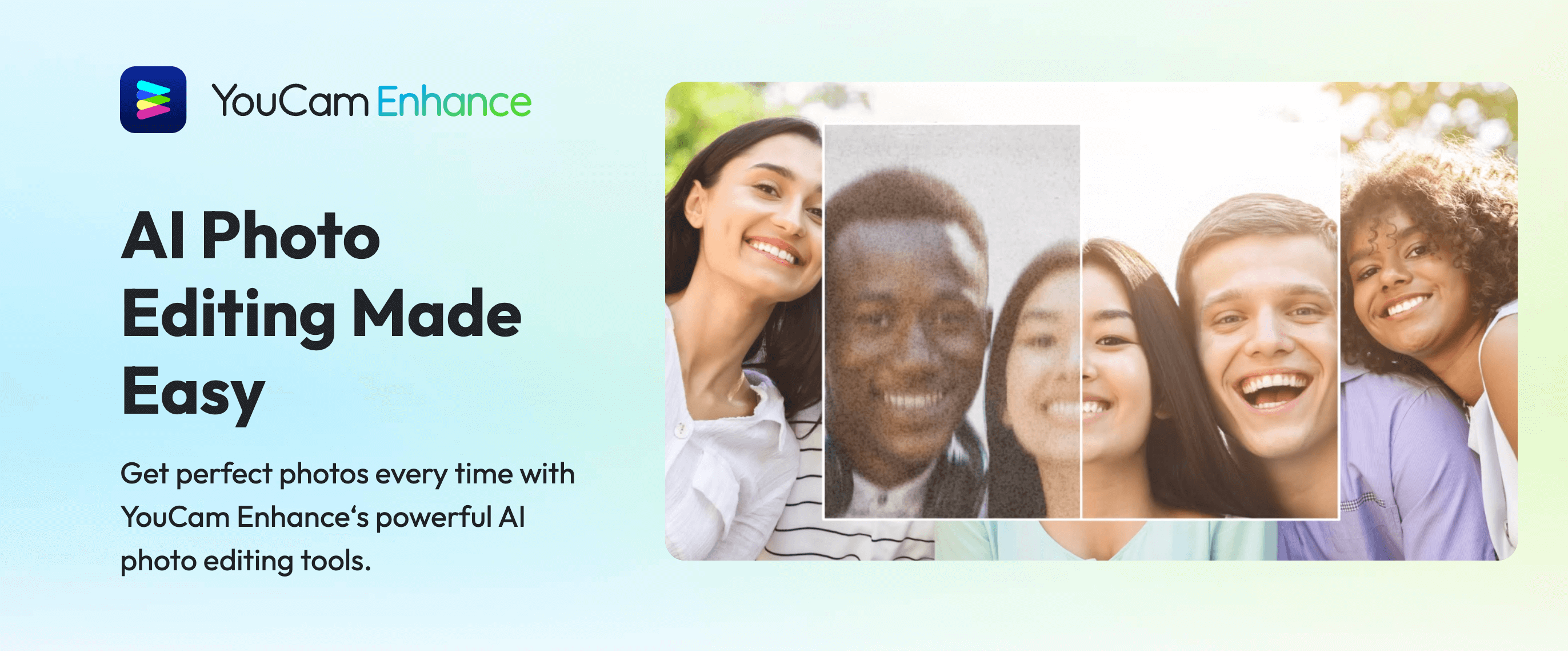
YouCam Enhance focuses on simplicity. Upload an image, click enhance, and the AI handles everything else.
Its strength lies in balanced enhancement — not too aggressive, not artificial-looking.
Why users like YouCam Enhance:
- Natural-looking results
- Strong noise reduction
- Good color enhancement
- No learning curve
Best for: casual users, social media images, quick fixes
Cutout Pro – Automatic Sharpness Without Manual Work
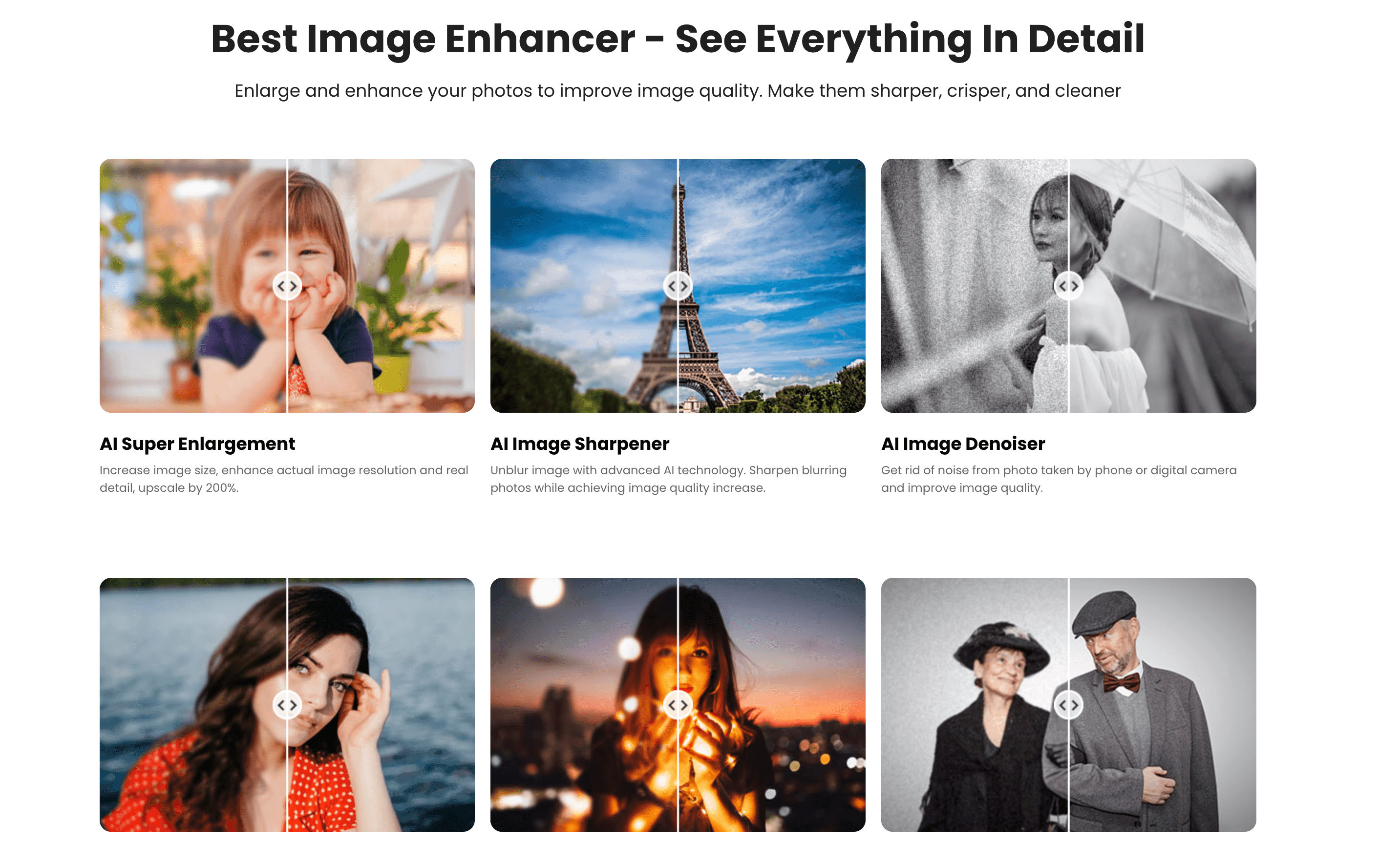
Cutout Pro’s AI image enhancer is designed for users who want instant clarity.
It automatically sharpens edges and upscales images without requiring sliders or settings.
Why it’s useful:
- Fully automatic enhancement
- AI sharpening and upscaling
- Zero editing experience needed
- Fast online processing
Best for: quick improvements, everyday photos
Let’s Enhance – When Image Resolution Really Matters
Let’s Enhance is often used when image size and clarity are critical — especially for print or large displays.
Its AI models focus on resolution recovery rather than cosmetic changes.
Why professionals use it:
- High-quality AI upscaling
- Clean details without artifacts
- Consistent results for large images
Best for: print, posters, eCommerce catalogs
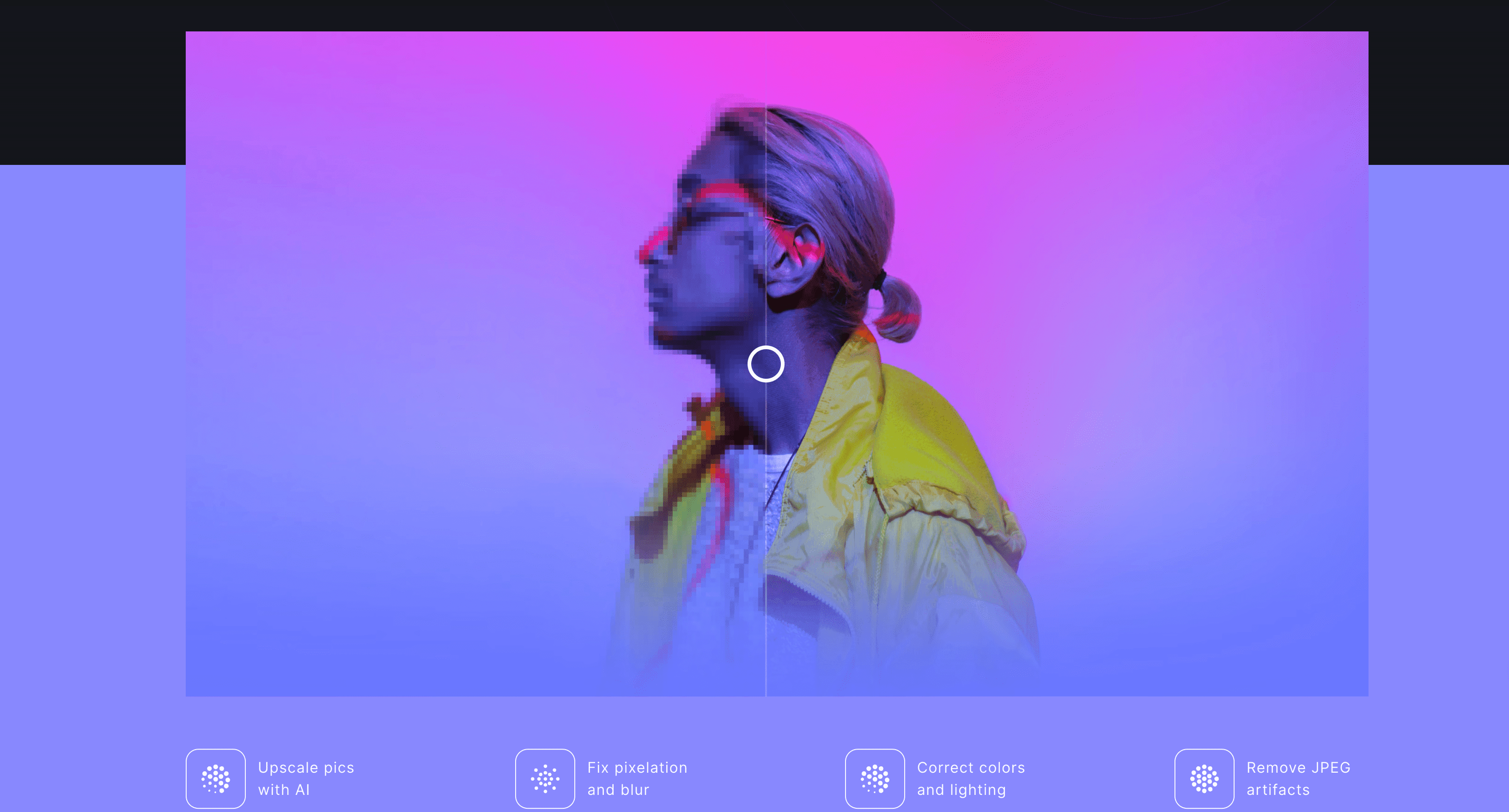
How People Actually Use AI Image Enhancers Today
In 2026, AI image enhancers are no longer “photo tools” — they’re productivity tools.
People use them to:
- Restore old family photos
- Make product images look professional
- Improve social media engagement
- Upgrade website visuals instantly
- Save hours of manual editing
The key advantage? Speed + consistency.
Are Free AI Image Enhancers Worth Using?
Yes — with limitations.
Most free AI image enhancers:
- Limit resolution or daily usage
- Add subtle watermarks
- Restrict advanced models
But for everyday enhancement and testing, free tools are more than enough.
AI Image Enhancer FAQ
What is the best free AI image enhancer in 2026?
Vance AI and YouCam Enhance are widely considered the best free AI image enhancers in 2026. They offer one-click enhancement, no required registration, and consistently natural results.
Which AI tool makes photos HD online?
AI tools like Vance AI, Remini, and Let’s Enhance can turn low-resolution images into HD-quality photos by using AI upscaling and detail reconstruction.
Do AI image enhancers work better than Photoshop?
For quick enhancement, yes. AI image enhancers are faster and easier than Photoshop. However, Photoshop still offers more control for advanced manual editing.
Discover More AI Tools
If you’re curious about how AI tools are reshaping creativity and productivity, explore more curated tools and guides on PopWebTools — a growing hub for practical AI solutions.


