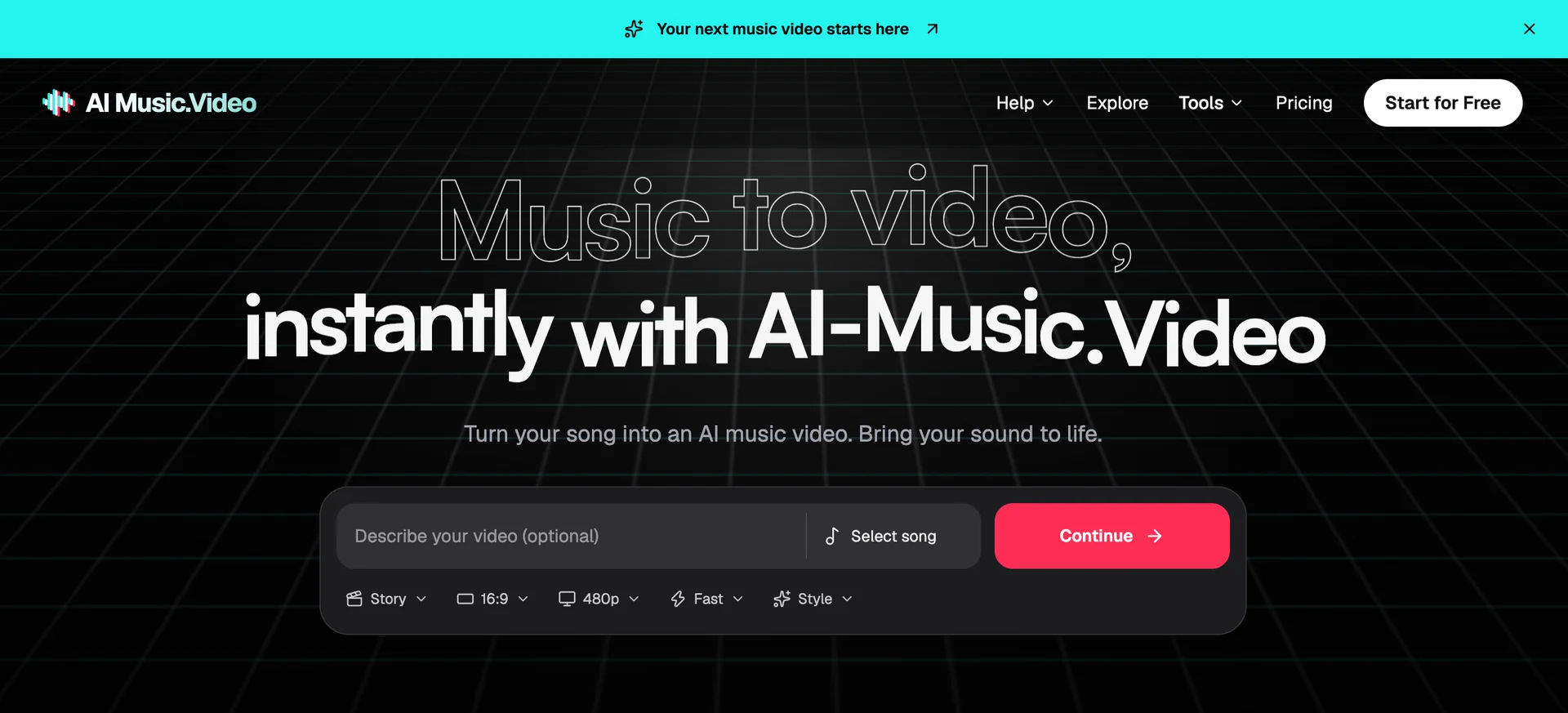
AI Music.Video is a creative platform for independent musicians, producers, and artists who want to give their music a visual story. It brings AI music and video tools into one workspace, helping creators develop projects from an initial idea through sound, scenes, and visual direction.
Start with your own song and describe what you want viewers to see. Choose a visual style, define your setting and characters, and build scenes around the track’s mood and energy. Explore cinematic performance scenes, illustrated environments, animated worlds, or abstract imagery. A quiet verse might suggest a close, personal scene, while a chorus could call for a wider setting or a change in movement. Your music provides the starting point for those choices.
The platform also supports projects that begin before a finished recording exists. Use the AI music generator to explore a song idea, work on lyrics, or try a musical style. Other tools let you explore covers, extend a track, and add vocals or an instrumental to suitable audio. These options help you develop the soundtrack alongside your ideas for the video.
Creative direction stays central to the process. Describe the details that matter to your project, review the generated material, and refine your choices as the story develops. Testing a short section first gives you a way to assess the look and timing before developing a longer sequence.
AI Music.Video also offers guides on audio preparation, storyboards, visual consistency, and project review. Browse the site for visual ideas, then use the workspace to shape a direction for your own music. Whether you are planning a release teaser, exploring a new track, or developing a music video, you can begin with the material you have and build from there. The aim is to make the steps easier to approach while keeping your artistic choices at the center.